遇到的问题
从仓库拉取项目,结果换行符都是CRLF,导致工作区大面积报错
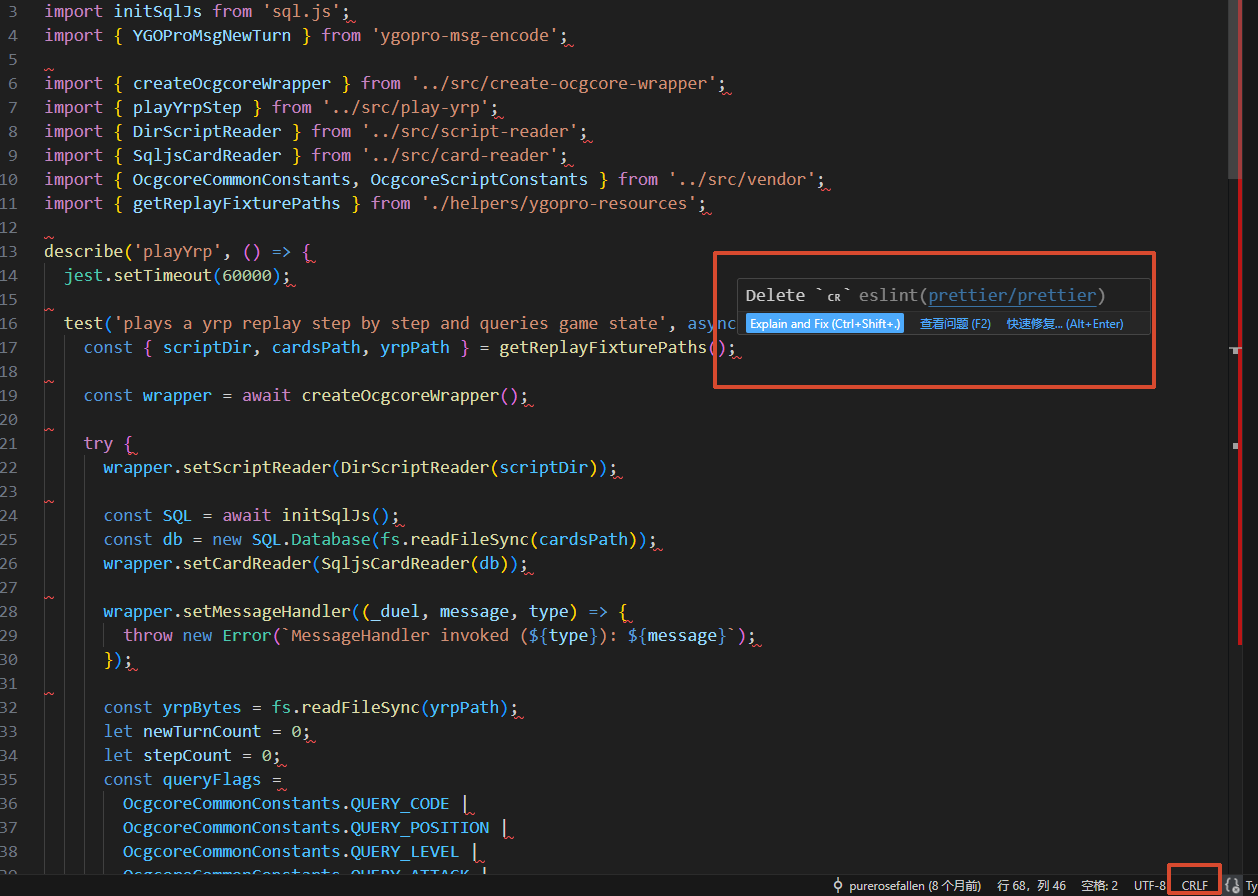
原因
拉取本项目时,我使用的是Windows,git 配置为 core.autocrlf=true(检出时 LF→CRLF,提交时 CRLF→LF)
core.autocrlf是每台机器自己的配置(Windows 默认true,macOS/Linux 常是false或input)
虽然说是提交时会转成LF,但问题是,如果使用windows的开发者受不了这满屏的报错(配置prettier等格式化插件),然后就会格式化代码文件,这时候就会出现“整个文件换行全变”的巨型 diff,污染 review
解决方案
Prettier 官方文档 的推荐:
- Prettier
endOfLine设为lf(v2 起默认)- 配 pre-commit hook 跑 Prettier
- CI 里用
--check校验.gitattributes加* text=auto eol=lf
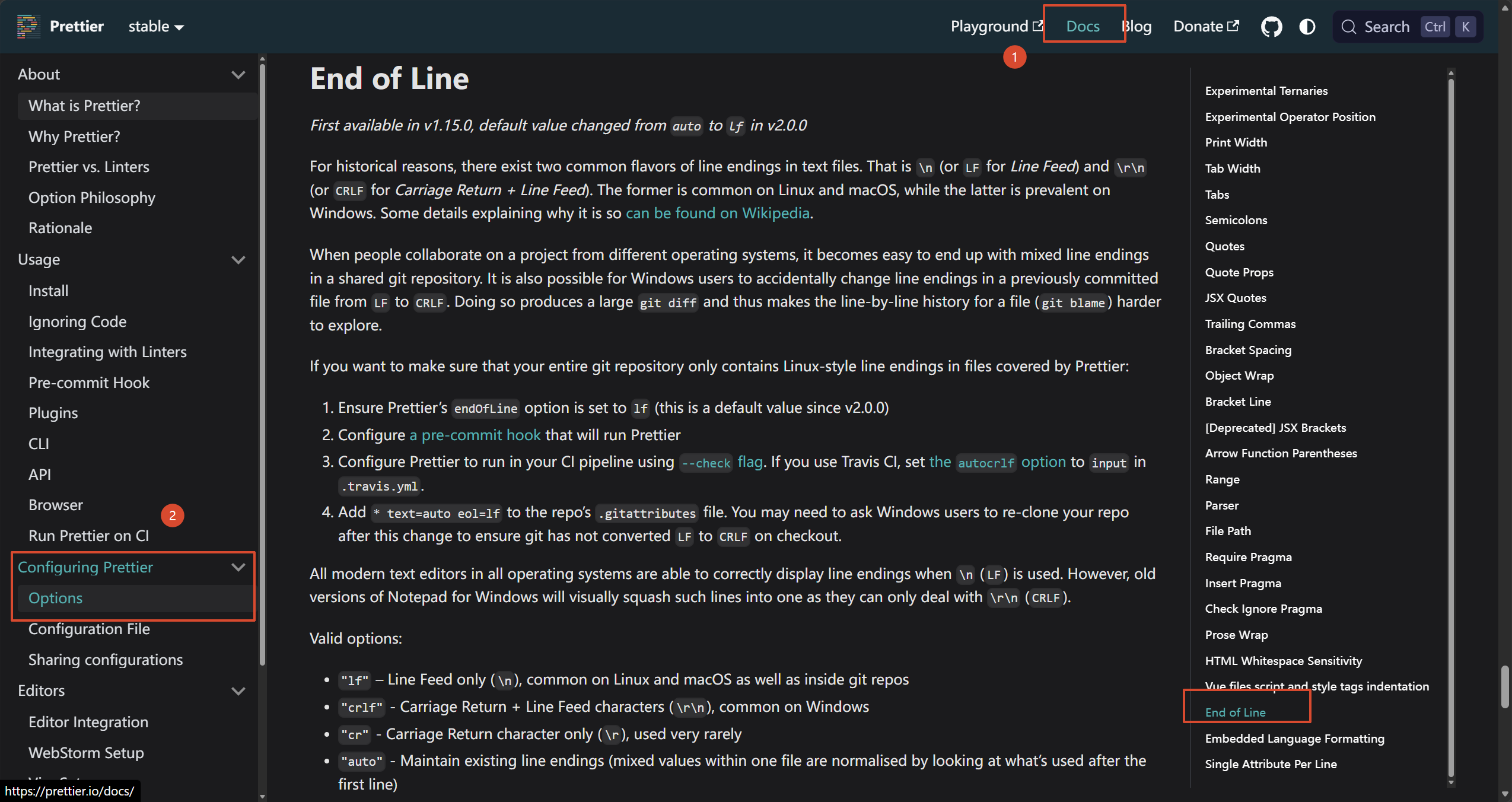
新增 .gitattributes(仓库级,对所有协作者与 CI 生效,优先级高于本地 autocrlf)
这是也主流仓库的做法:
| 仓库 | 地址 | 验证内容 |
|---|---|---|
| nodejs/nodejs.org | https://github.com/nodejs/nodejs.org/blob/main/.gitattributes | 全文 2 行:# Enforce Unix newlines + * text=auto eol=lf |
| microsoft/vscode-docs | https://github.com/microsoft/vscode-docs/blob/main/.gitattributes | 首行 * text=auto eol=lf,其后为 LFS / linguist 规则 |
| reactjs/ko.react.dev | https://github.com/reactjs/ko.react.dev/blob/main/.gitattributes | * text=auto eol=lf(附注释链接 git-scm 文档) |
| facebook/react | https://github.com/facebook/react/blob/main/.gitattributes | 全文仅一行 * text=auto(轻量变体,检出端交由各人 autocrlf) |